
Practise, then check.
Choose a subject and chapter. Filter your question set, review answers and keep the ones you want to revisit.
Open the Question Bank ↗ topperly
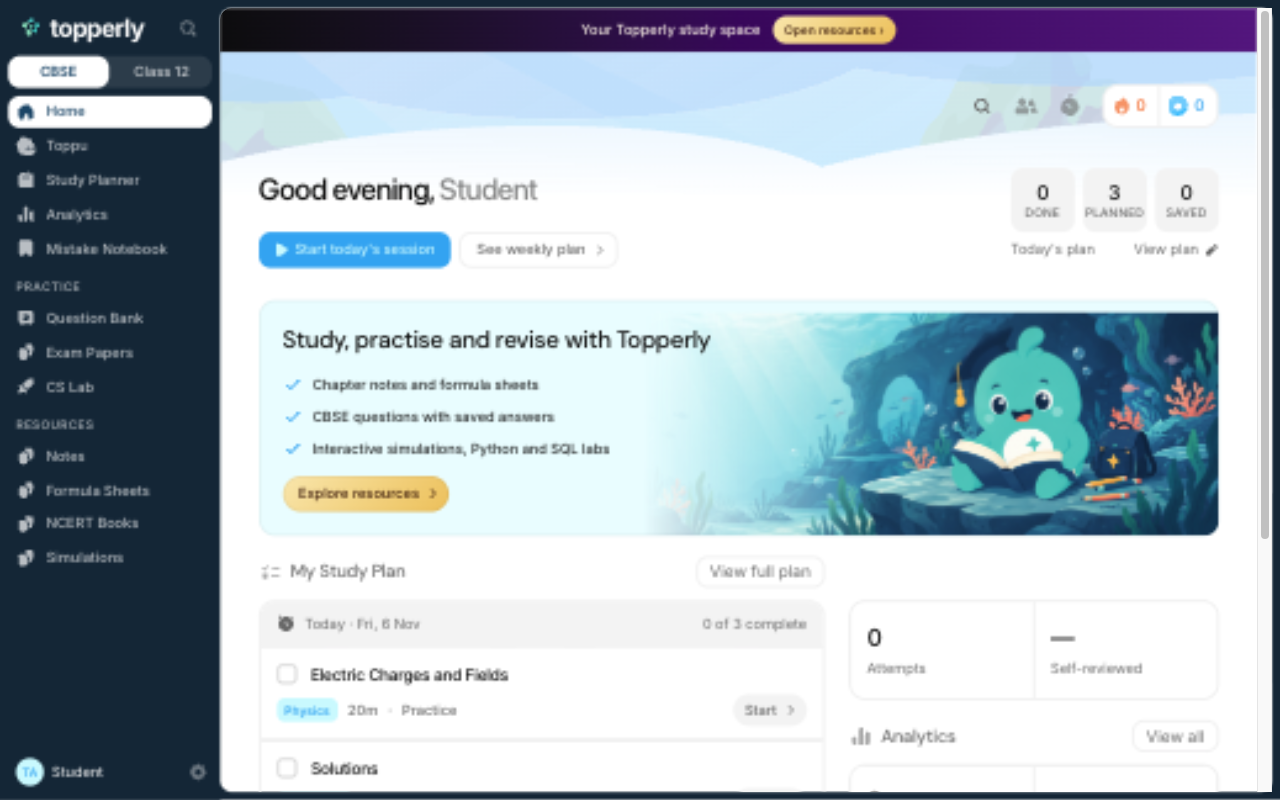
Questions, notes, exam papers and a place to practise. Bring your syllabus. Topperly helps you get to work.
Browse resources first. Sign in when you’re ready.
 Physics
 Chemistry
 Maths
 Computer Science
 English
Open a chapter, work through a question, then come back to what needs another try. Everything has a place.
Choose a subject and chapter. Filter your question set, review answers and keep the ones you want to revisit.
Open the Question Bank ↗
Read Toppu Notes, formula sheets and NCERT textbooks in the same study space.
Browse notes ↗
Move a charge, build a circuit or run a Python program. Explore concepts through simulations and the CS Lab.
Open the CS Lab ↗CBSE Class 12 students taking Physics, Chemistry, Mathematics, Computer Science or English Core. Choose your subjects when you create your account.
Yes. You can browse notes, formula sheets, textbooks and simulations. Sign in to use your study plan, Question Bank, exam papers and code labs.
Your account and subject choices are saved online. Plans, saved questions, practice attempts and code projects currently stay on the device you use. Study history does not yet sync across devices.
Keep your textbook and teacher’s guidance. Topperly brings source questions, reading material and practice tools together to support your study.
Set up your subjects and make your next session count.